
Guides
Guides
How to turn one recording into a week of posts, and which parts a Mac can do on its own.
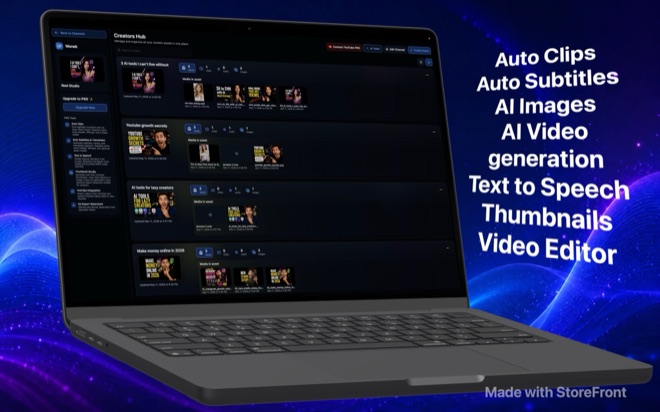 Cut Video Highlights on Mac with Local Whisper AIFind and cut short clips from hour-long Mac recordings offline using local Whisper transcription and Qwen or Gemma models in Wonek Video Studio.
 Offline Whisper Subtitles and Translation on MacGenerate timed captions with local Whisper on Mac, style gradients for mute viewing, and translate subtitles offline with Qwen or Gemma models.
 Local AI Voiceovers on Mac with the Maya1 ModelNarrate video scripts offline on your Mac with the Maya1 voice model. Control segment pauses, emotion cues, and render narrated image slideshows.
 Remove Microphone Noise in Mac Video TimelinesClean up room hum, fan noise, and HVAC hiss in spoken-word Mac video edits offline with the bundled DeepFilterNet audio model in Wonek Video Studio.
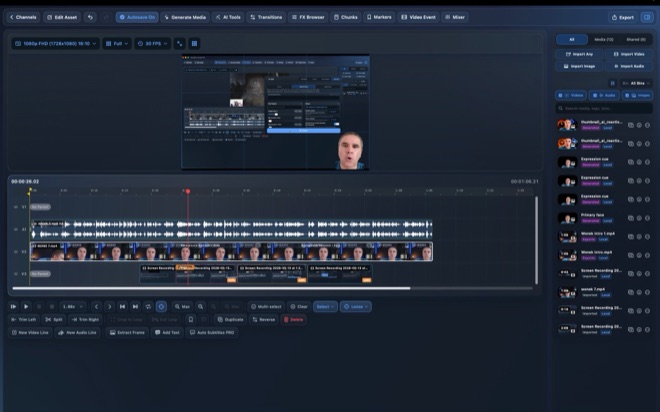
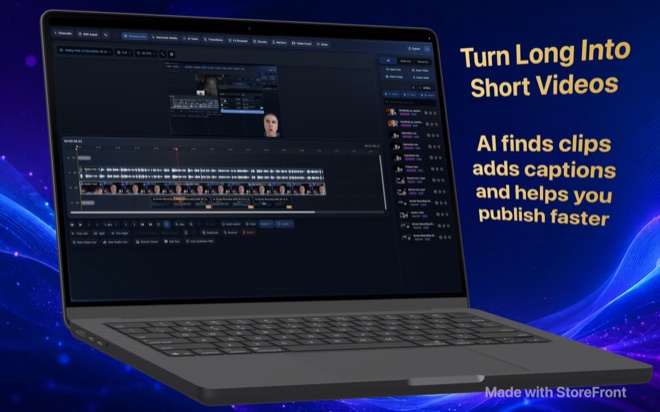 Multi-Track Video Editing on Mac: Trim and ProxiesEdit multi-track video smoothly on Mac with J-K-L shuttle keys, three-point edits, ripple, roll, slip and slide trims, and lightweight proxy media.
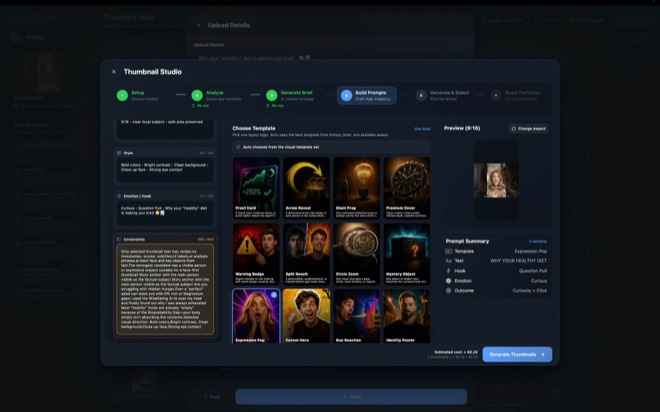
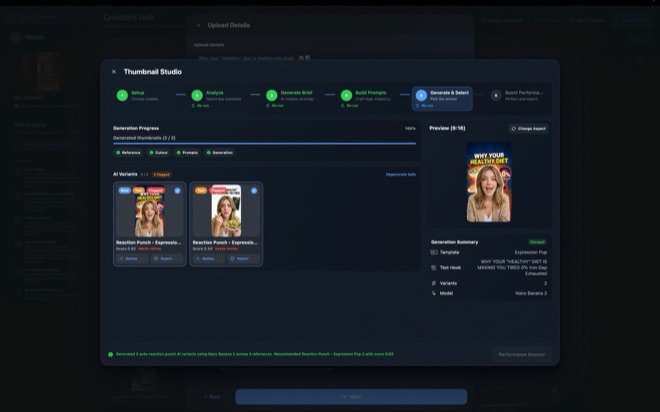 Design and Rank YouTube Thumbnails on Your MacBuild, score, and refine YouTube thumbnails from 39 proven layout templates on Mac using your own image API keys before publishing your video.
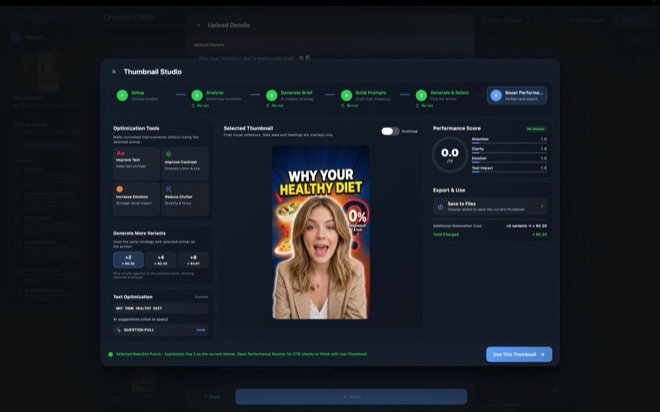 Generate 4K AI B-Roll on Mac with LTX and Veo 3.1Create up to 4K 50fps B-roll on Mac using your own LTX and Google Veo 3.1 API keys, with upfront per-run cost estimates and zero credit markups.
- H.264 vs HEVC vs ProRes Export Settings on MacChoose the right codec, container, resolution, and 16:9 or 9:16 aspect ratio when exporting YouTube videos and vertical Shorts on macOS.
- Upload and Schedule YouTube Videos from Your MacConnect your YouTube channel on Mac to import footage, attach thumbnails, set tags and publish schedules, and declare altered or synthetic media.